Floating joystick
A circular directional pad that floats over any app. Drag to move your spoofed location in real time while something else is in the foreground. The joystick is its own independent Android service — it can be shown or hidden via the floating widget without stopping spoofing.
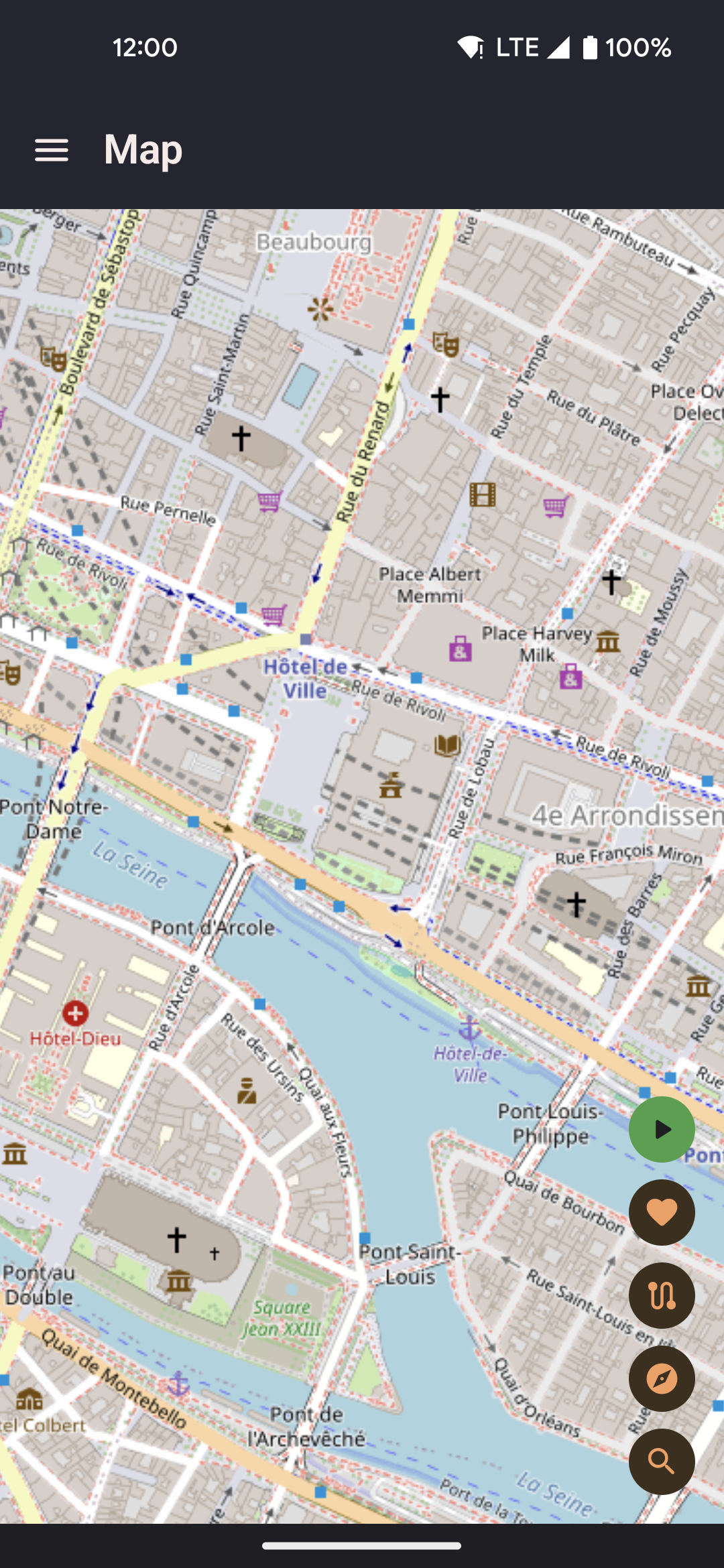
- Drag the thumb in any direction to move at the currently selected speed profile (Walk, Run, or Bike).
- Release to stop moving; your position holds at the last point until you drag again.
- Drag the outer ring to reposition the joystick anywhere on screen.
- Lock mode: hold the current direction after release so the device keeps moving in a straight line without continuous finger contact. Toggle lock from the floating widget's lock button or from the joystick itself. Tap the joystick thumb while locked to unlock.
- The joystick respects whichever speed profile is active — switch profiles via the floating widget's speed cycle button without lifting the joystick.
Floating widget
A compact panel with quick-access controls. Tap the FAB to expand it, then use whichever controls you've configured in Settings — without opening the app. The widget persists as a foreground service notification and remains on screen across app switches.
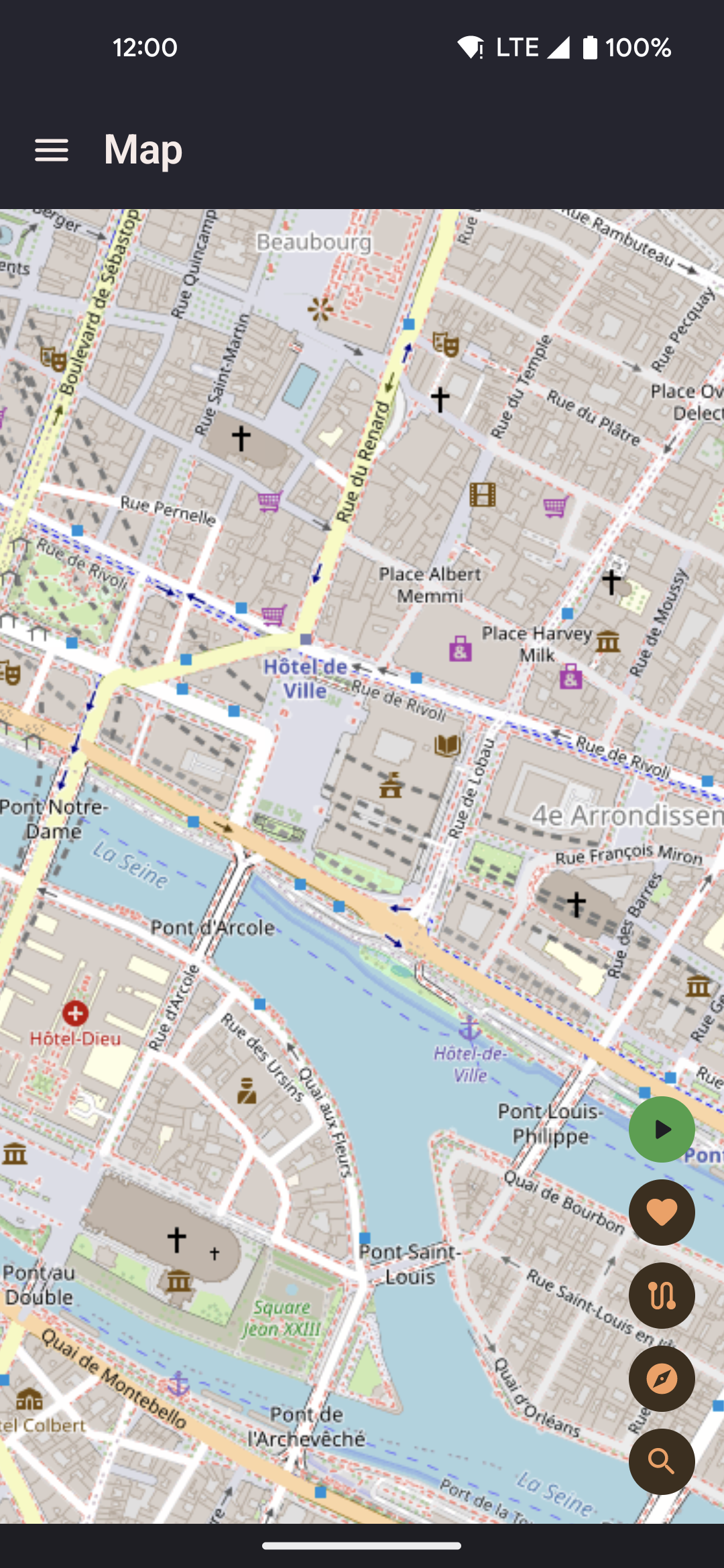
- Collapse back to a single FAB when not needed — tap the FAB again to re-expand.
- Drag the FAB to any edge of the screen to keep it out of the way.
- Widget state (which controls are visible) is configured in Settings → Floating Widget. Changes apply the next time the widget is launched.
- The widget connects to the background location service and reflects live spoofing state — a route replaying in the widget shows its live pause/stop controls.
Available widget controls
| Control | What it does |
|---|---|
| Map shortcut | Opens a compact full-screen map overlay (TYPE_APPLICATION_OVERLAY window). Supports walk-to, teleport, and roaming configuration without switching back to the main app. |
| Show / hide joystick | Toggles the floating joystick overlay on or off. The joystick service must already be started from the main app — this control only changes visibility, it does not start the service from scratch. |
| Lock joystick | Holds the current joystick direction after finger release so the position keeps advancing. Useful for walking in a straight line hands-free. Tap again to unlock. |
| Routes picker | Lists all saved routes. Tap to start, loop, reverse, or return. While a route is active, expands inline to show pause and stop controls. |
| Favorites picker | Lists saved favorites with one-tap teleport and walk shortcuts. Also lets you save the current spoofed position as a new favorite directly from the overlay. |
| Speed cycle | Cycles Walk → Run → Bike with a single tap. The icon updates to reflect the active profile. Affects joystick, walk-to, and roaming immediately. |
| Elevation controls | Shows a separate overlay with tilt up (↑), neutral (○), and tilt down (↓) buttons. Injects synthetic accelerometer and rotation-vector sensor events. Requires root (Magisk). A root-access prompt appears the first time this control is enabled. |
Requirements
Both overlays require the Display over other apps permission
(SYSTEM_ALERT_WINDOW). The onboarding flow guides you through granting it.
On some custom Android skins (MIUI, ColorOS), the overlay permission may need to be re-granted after each reboot — check your device's autostart or battery settings if the overlay disappears.